Seny.us

SenyTV Player

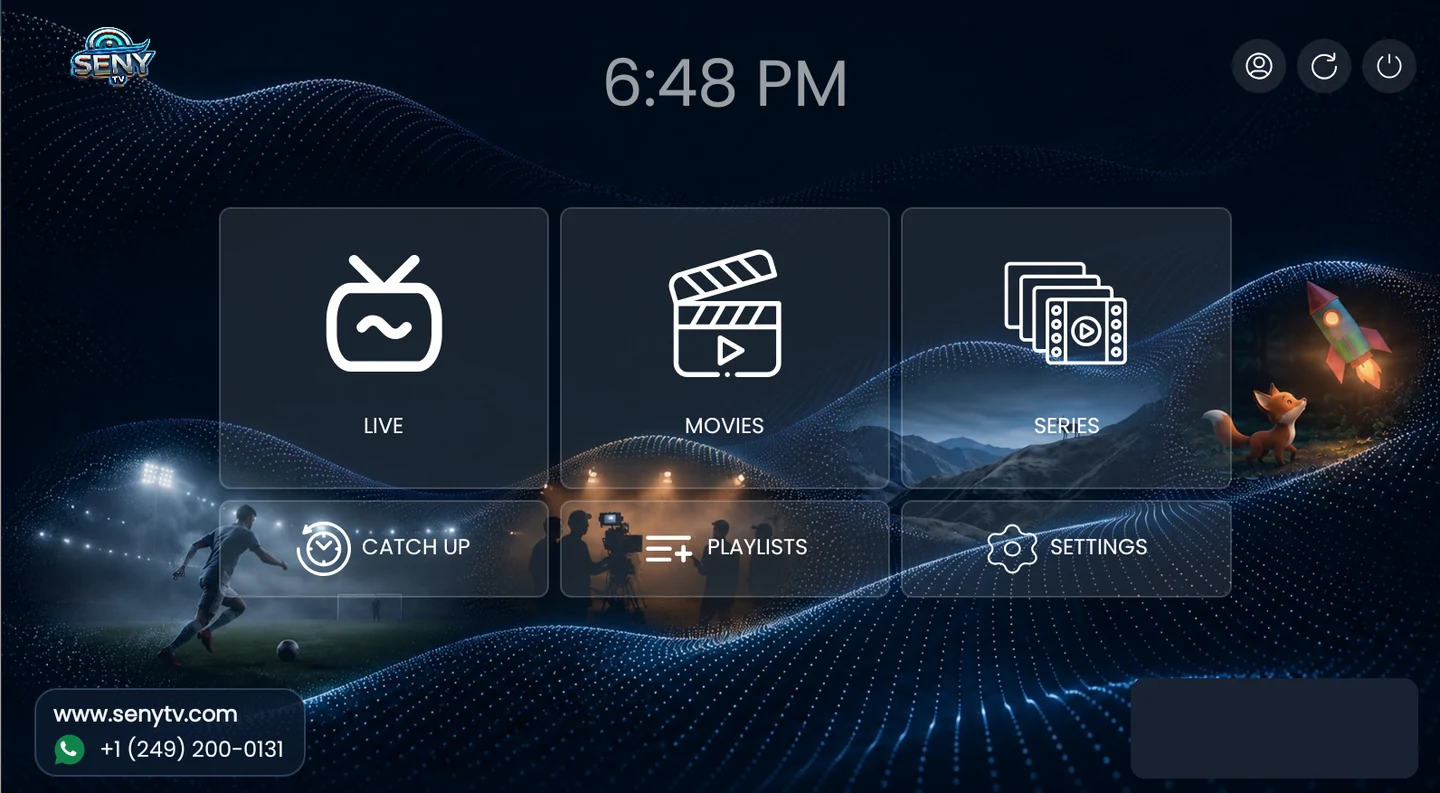
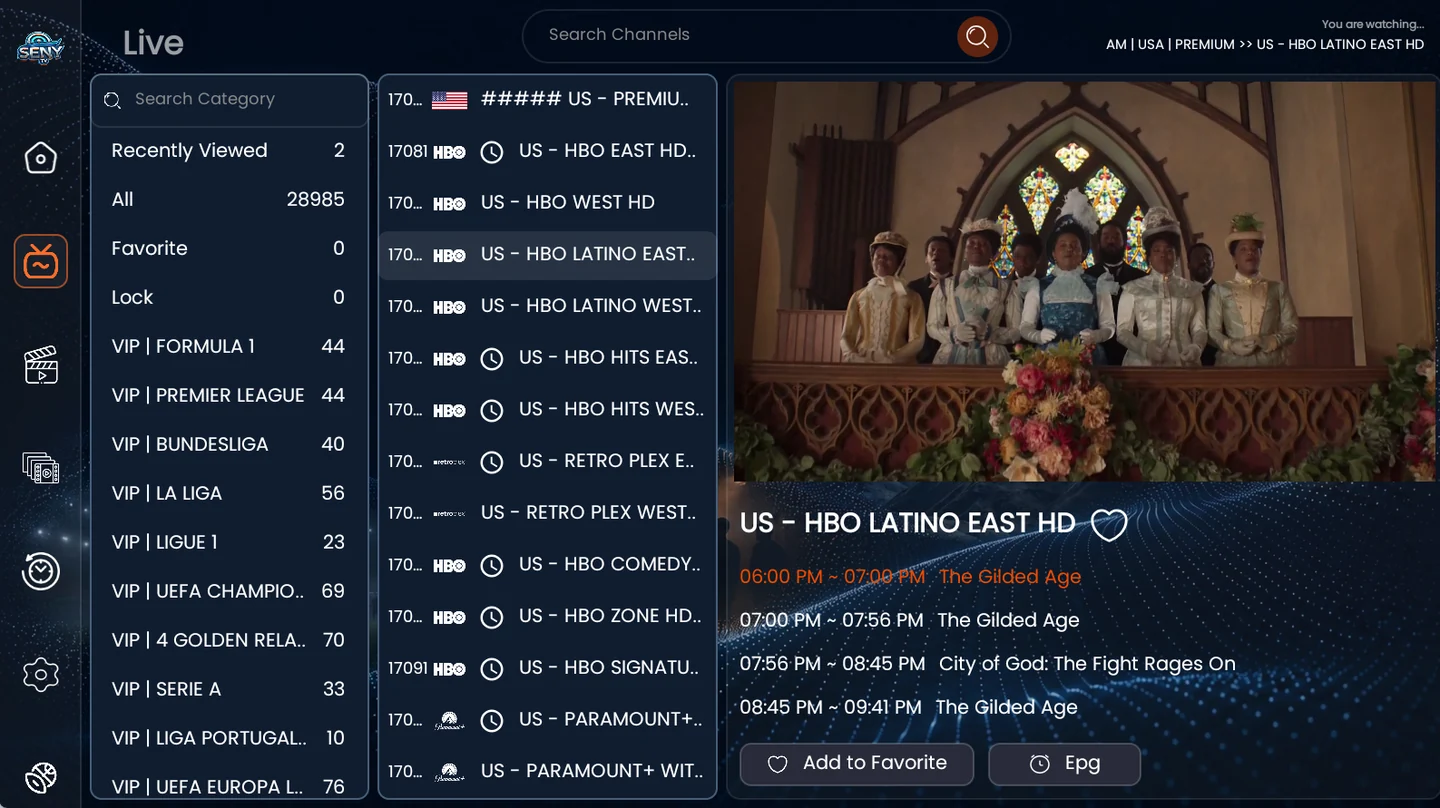
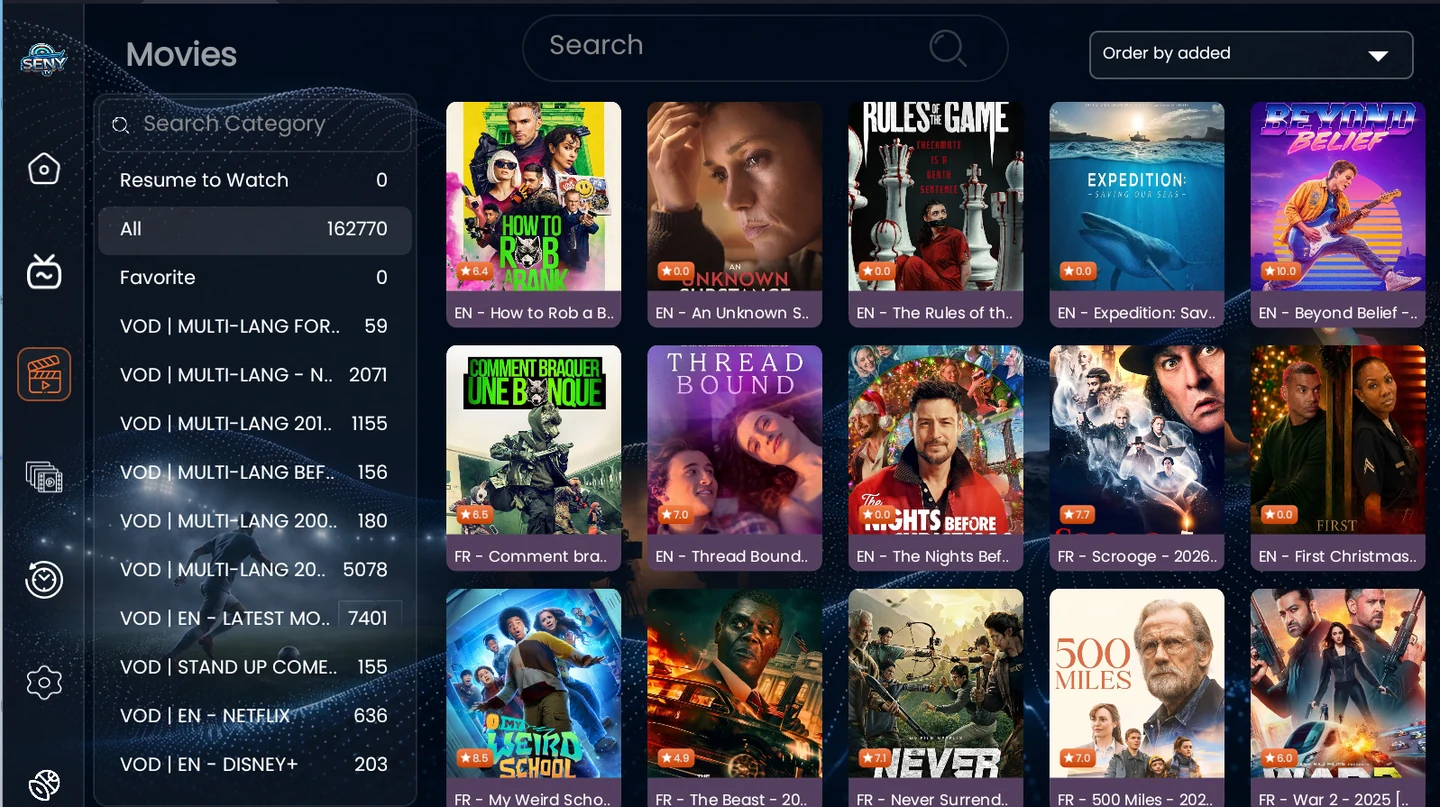
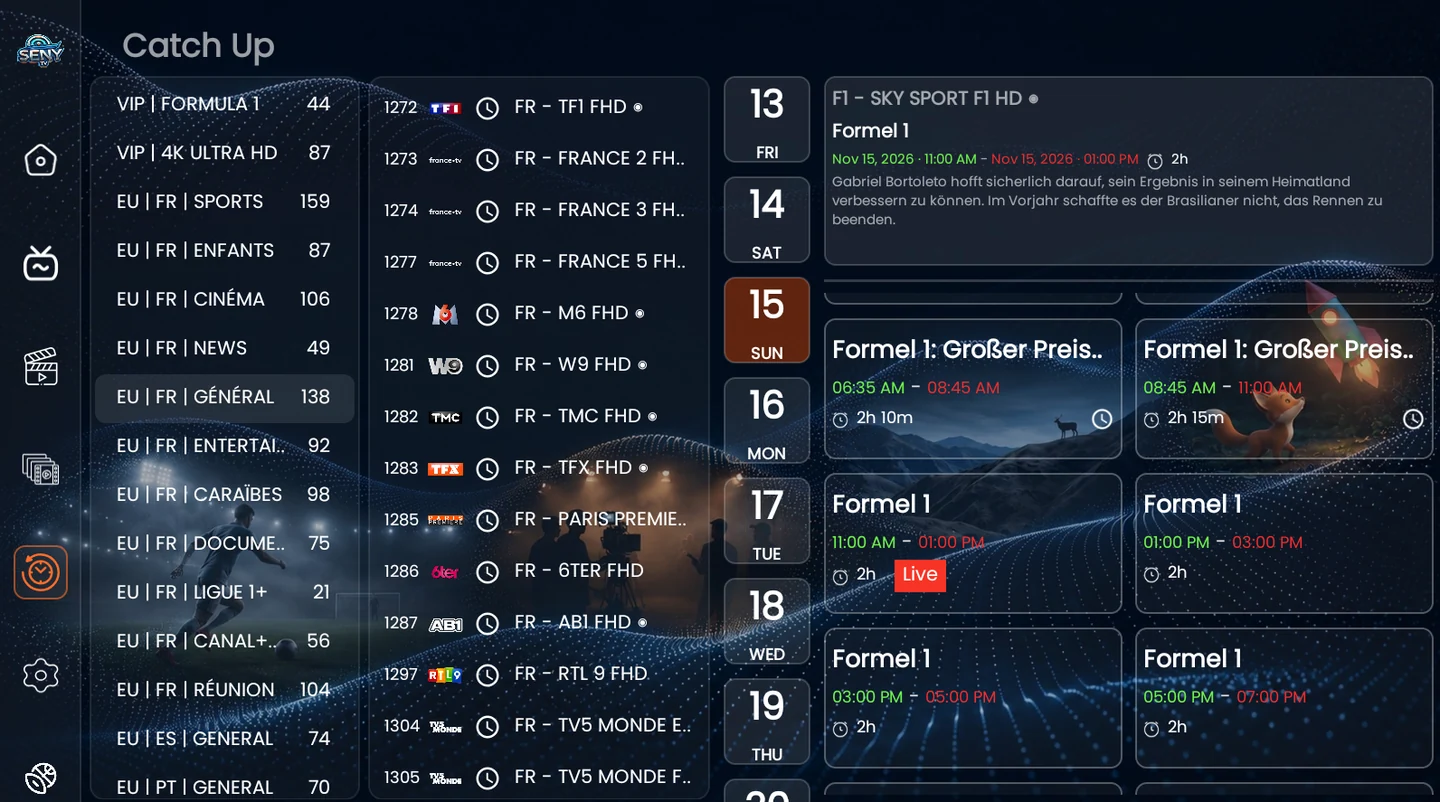
The new Android TV player brings Live TV, Movies, Series, Catch Up and your playlists together. Add a playlist from your phone by scanning the QR on your TV.

Installation & activation ↓
Downloader code 9584137
Download APK · Downloader link
SenyTV Player home screen with Live, Movies, Series and Playlists
Home screen

Inside the app

Install, activate and add a playlist

Install on your TV

  1. On Android TV, Google TV, or a Fire TV device that supports APK installation, find Downloader in your device’s app store, install it, and open it.
  2. Enter 9584137 in Downloader and select Go.
  3. Download the APK and select Install. If prompted, allow Downloader to install apps in your device settings. Return to Downloader, finish the installation, and select Open.

Activate your device

  1. Open Playlists. The app shows the MAC Address and Device Key for this device.
  2. If it shows that activation is required, select Request and follow the prompt, or contact your seller privately with the device details.
  3. Once your seller confirms activation, select Reload in Playlists and check the activation status.

Add a playlist from your phone

  1. Ask your seller for the server name, username and password. Keep the Playlists screen open and scan its QR with your phone.
  2. Choose the server name your seller gave you, enter your credentials, and optionally name the playlist.
  3. Tap Send to TV. Wait for the TV to check the selected server and save the playlist, then select it in the app.

Need help setting up SenyTV? Contact support on WhatsApp.